Unblocked Browser Games · Updated July 3, 2026
Unblocked Games for School
This page supports unblocked games for school, classroom games unblocked, school games unblocked, and free unblocked games searches with a practical list of Bitesize Arcade pages.
Access still depends on the network you are using. The useful promise here is simpler: these are lightweight browser game pages with no large download, short sessions, and clear controls.
Short Classroom-Friendly Loop
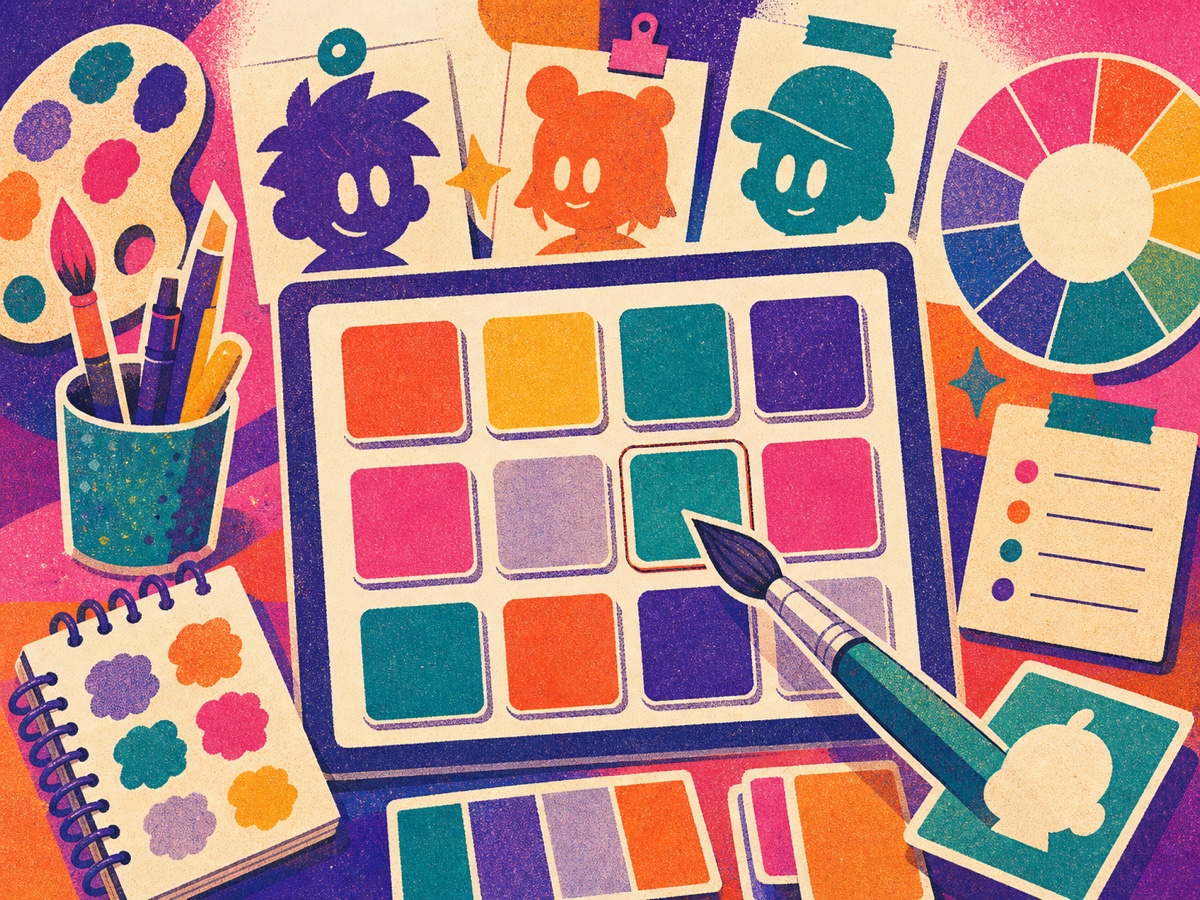
Toon Tone Unblocked
A quick color memory page with simple controls and no-download browser intent.
Quick Answer: School Chromebook Browser Games
Bitesize Arcade offers lightweight no-download browser games that can fit short Chromebook or mobile sessions when your school network allows them. These pages use direct browser play and simple controls, but every school may block game sites differently. Follow local rules and do not use this page to bypass school policies.
Policy-Safe Finder
No-Download School Game Filters
| Pick | Why it fits short sessions | Chromebook notes | Download needed? | Policy note |
|---|---|---|---|---|
| Toon Tone Unblocked | Five quick color-memory rounds with simple sliders | Works best in a modern browser if the page is allowed | No app download | Use only where casual game pages are permitted |
| Food Link | Calm matching puzzle with visible board state | Good on Chromebook screens and tablets | No app download | Stop if the page is blocked by the network |
| Fruit Swap | Short match-3 goals and touch-friendly moves | Simple browser puzzle layout | No app download | Respect managed-device restrictions |
| Order Rush | Fast restaurant timing for short breaks | Best when sound and game pages are allowed | No app download | Better for free time than classroom work time |
Free Browser Picks
Classroom Games Unblocked Pages
Toon Tone Unblocked
A focused no-download page for Toon Tone access searches and short color guessing rounds.
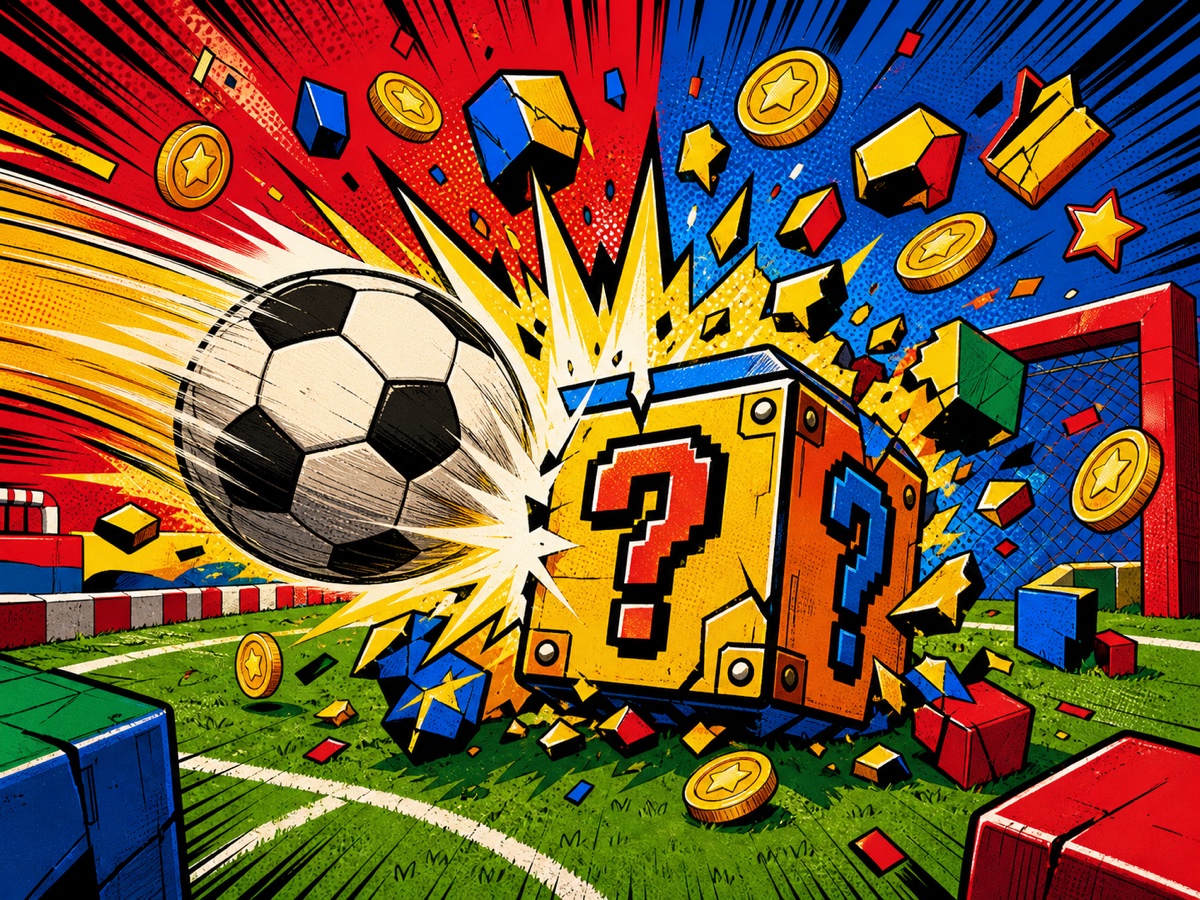
Kick a Lucky Block Unblocked
An access-focused page for the lucky block kicking game, browser play links, and no-download intent.
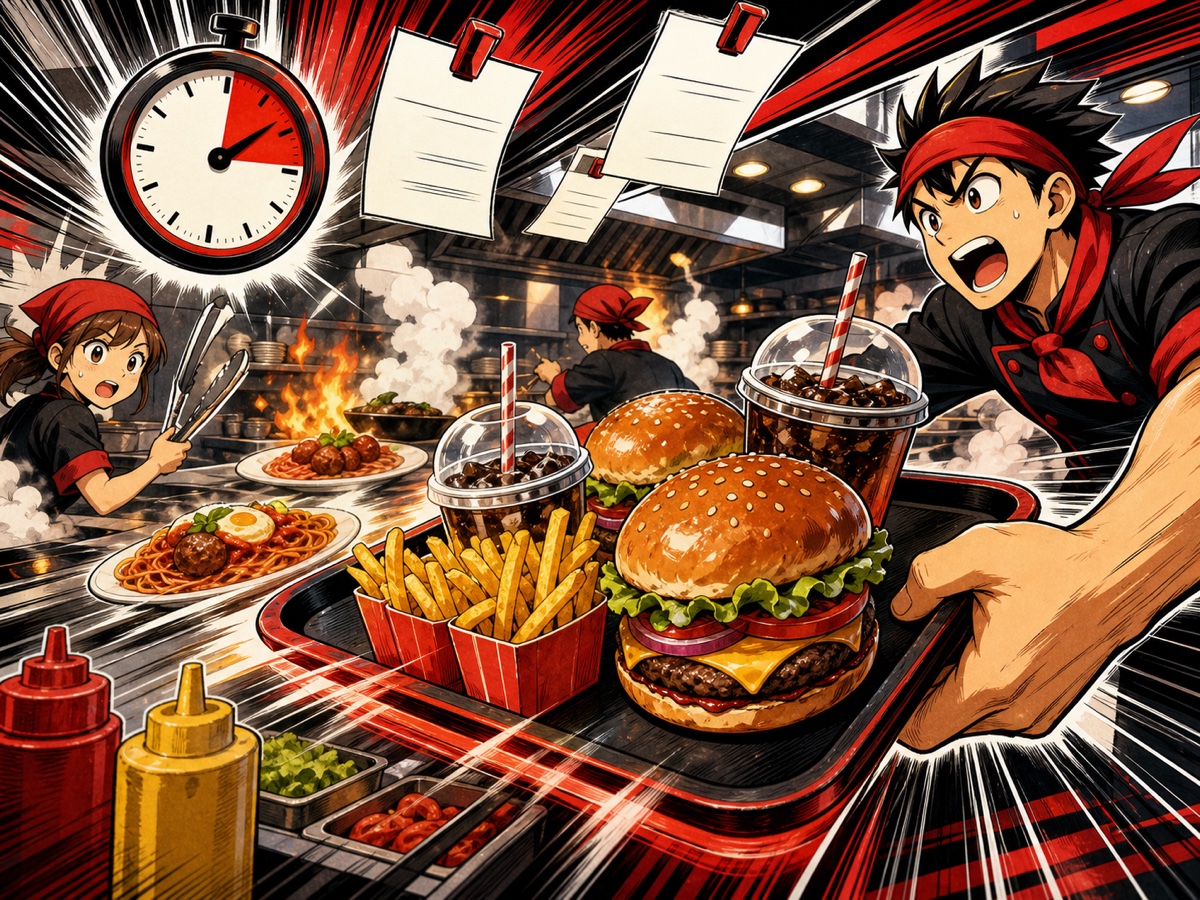
Order Rush
Serve food tickets quickly in a browser time management game with readable short rounds.
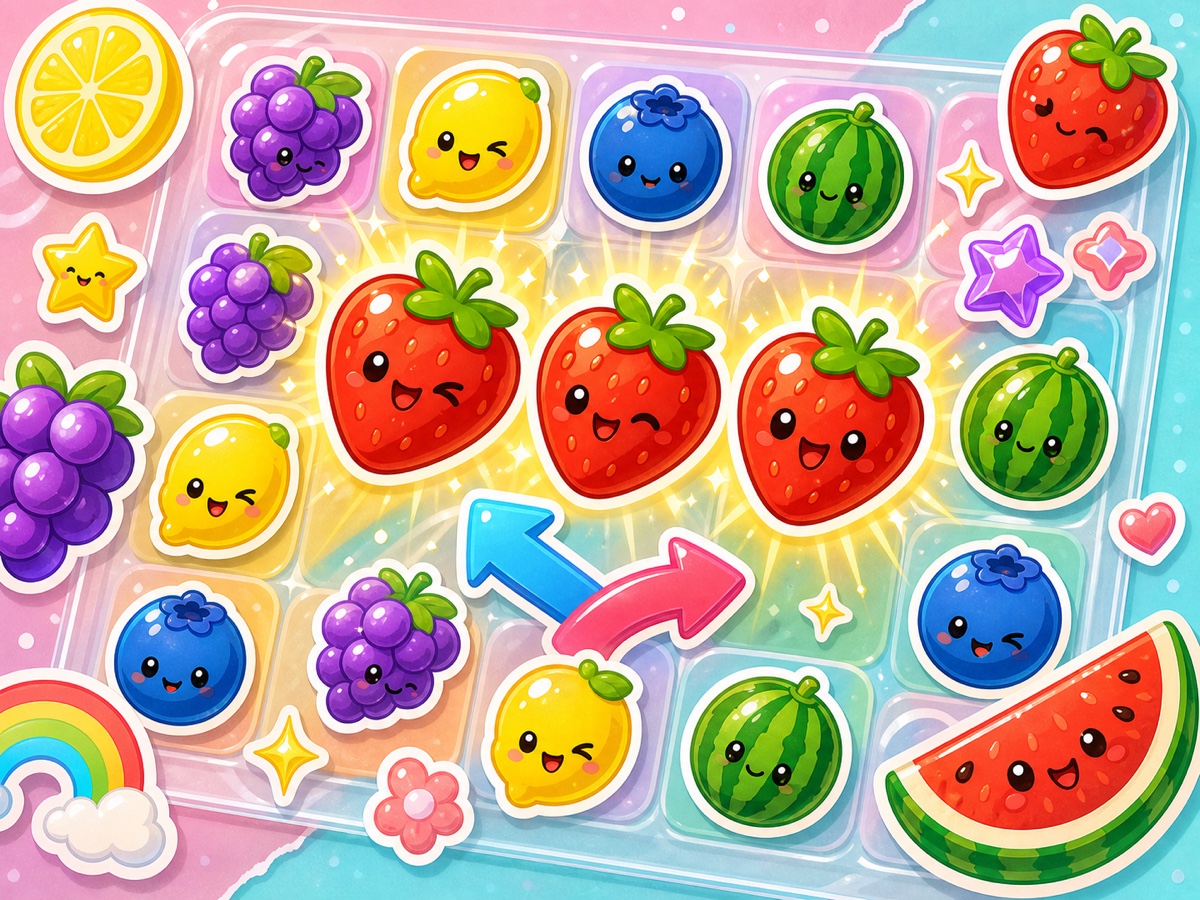
Fruit Swap
A simple fruit matching game for players who want a calmer browser puzzle.
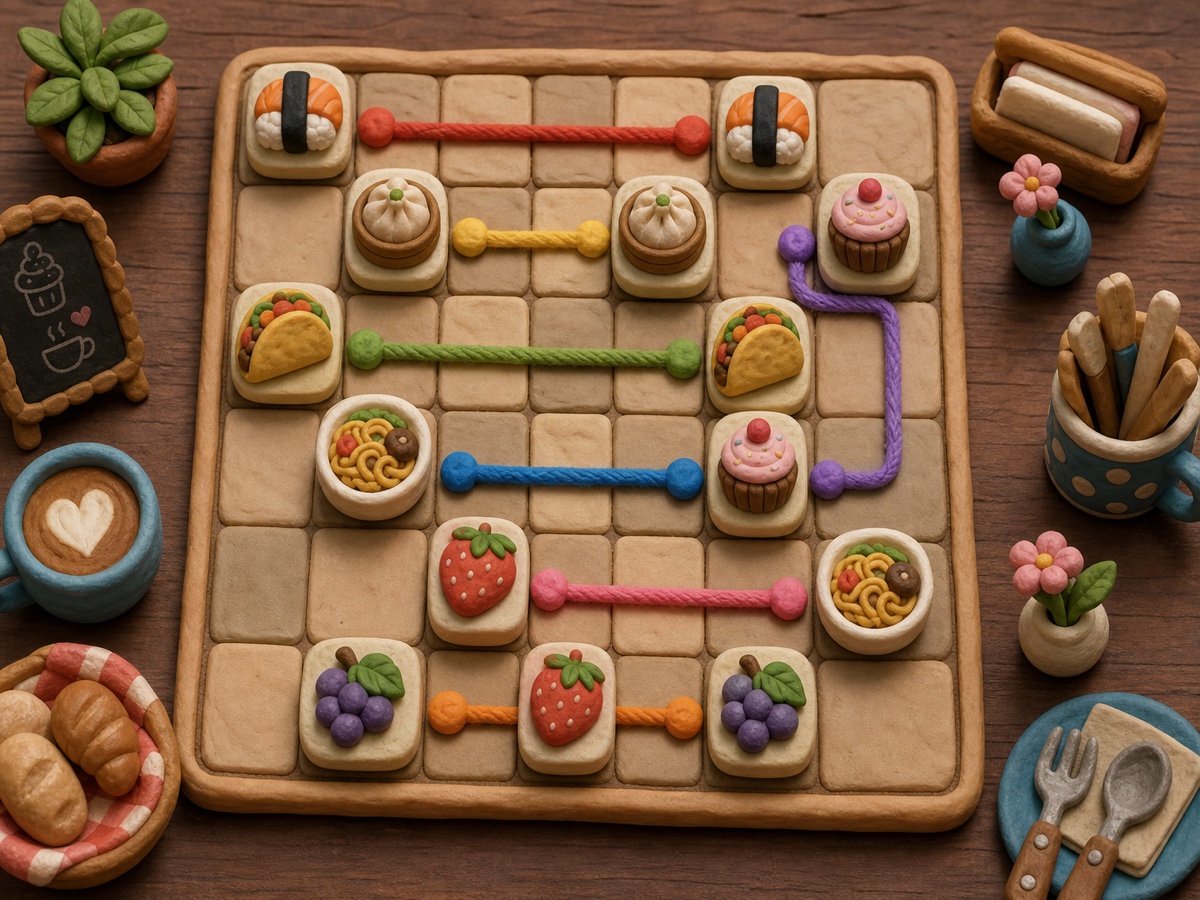
Food Link
Connect matching dishes through clear paths in a short no-download browser puzzle.
What Unblocked Means Here
Unblocked game searches usually mean the player wants a web page to load on a restricted network. Bitesize Arcade cannot control school or office filters, so the page stays honest: browser-based does not always mean accessible everywhere.
Why These Pages Fit the Query
Keyword research showed strong classroom intent around unblocked games for school and classroom games unblocked. The best match is a hub that points to short, free, no-download game pages instead of pretending to be a proxy site.
How to Pick a School-Friendly Browser Game
A practical classroom game page should be lightweight, readable, and easy to stop. Games with long tutorials, large downloads, loud autoplay, or account walls are a poor fit for quick browser sessions. Bitesize Arcade favors pages that load with one clear goal, use direct controls, and avoid forcing players through sign-up steps before they can understand the game.
Toon Tone is a good first choice because the round structure is simple: memorize a color, adjust sliders, and lock the answer. Food Link and Fruit Swap are calmer puzzle picks because the player can scan the board before making a move. Order Rush is better when the player wants more time pressure and quick reaction.
Unblocked Games vs No-Download Games
These terms are related but not identical. No-download games run in a browser without installing an app. Unblocked games are pages that also pass the rules of the network you are using. A browser game can still be blocked by a school, library, office, or device filter, so the honest strategy is to provide clean pages, descriptive titles, and alternatives instead of promising access everywhere.
If one page does not open, try another game category from the same hub. Color games, food puzzles, and simple matching games often match different search intent than action or proxy-style pages, and they give players more ways to find a short browser session that fits their situation.
Related Searches
More No-Download Game Hubs
Best Browser Games
Start here for the strongest all-around no-download picks on Bitesize Arcade.
New Browser Games
Follow fresh game pages, tests, and newly published browser game guides.
Color Guessing Games
Try short color memory and HSB slider games that work well for quick rounds.
Food Games
Browse serving, matching, and snack games that open directly in the browser.
Recommended Order to Try
Start with a low-pressure puzzle if you only have a few minutes. Toon Tone is the simplest first test because it has one task and five rounds. Move to Food Link or Fruit Swap if you want a calmer board game. Choose Order Rush when you want faster tapping, timed decisions, and a more arcade-like restaurant challenge.
This order also helps players find the right page without bouncing through unrelated games. Color games, food games, and browser arcade games each have their own hub, so a visitor who lands here can continue into the strongest matching category instead of leaving after one page.
FAQ
Unblocked Games for School FAQ
Are these games always unblocked?
No. They are browser games, but local network rules decide whether each page opens.
What should I try first?
Try Toon Tone Unblocked for a short color game or Kick a Lucky Block Unblocked for an arcade upgrade page.
Do these pages require installs?
No. They are intended for direct browser play or browser-game guide intent.
Are these for school Chromebooks?
They are built for modern browsers, including Chromebooks, but school-managed devices and networks may still block game pages.
Does Bitesize Arcade help bypass school filters?
No. This page explains browser-game options and access limits. Follow your school's rules and do not try to bypass blocks.
Which games are best for short sessions?
Toon Tone, Food Link, Fruit Swap, and Order Rush are the best short-session picks because the main rule is visible immediately.
Why include access notes?
Network filters vary. Clear access notes help players understand the difference between a browser game and a guaranteed unblocked page.