
ToonTone Tips · Updated July 3, 2026
Toon Tone Game Guide
Toon Tone Game is simple to start but surprisingly precise. Use this guide to understand the daily challenge, improve your color memory, and make closer guesses with hue, saturation, and brightness sliders.
Daily Challenge
Five Color Rounds
Build a better score by matching the hidden toon shade as closely as possible.
Quick Answer: Toon Tone and Tonetoon
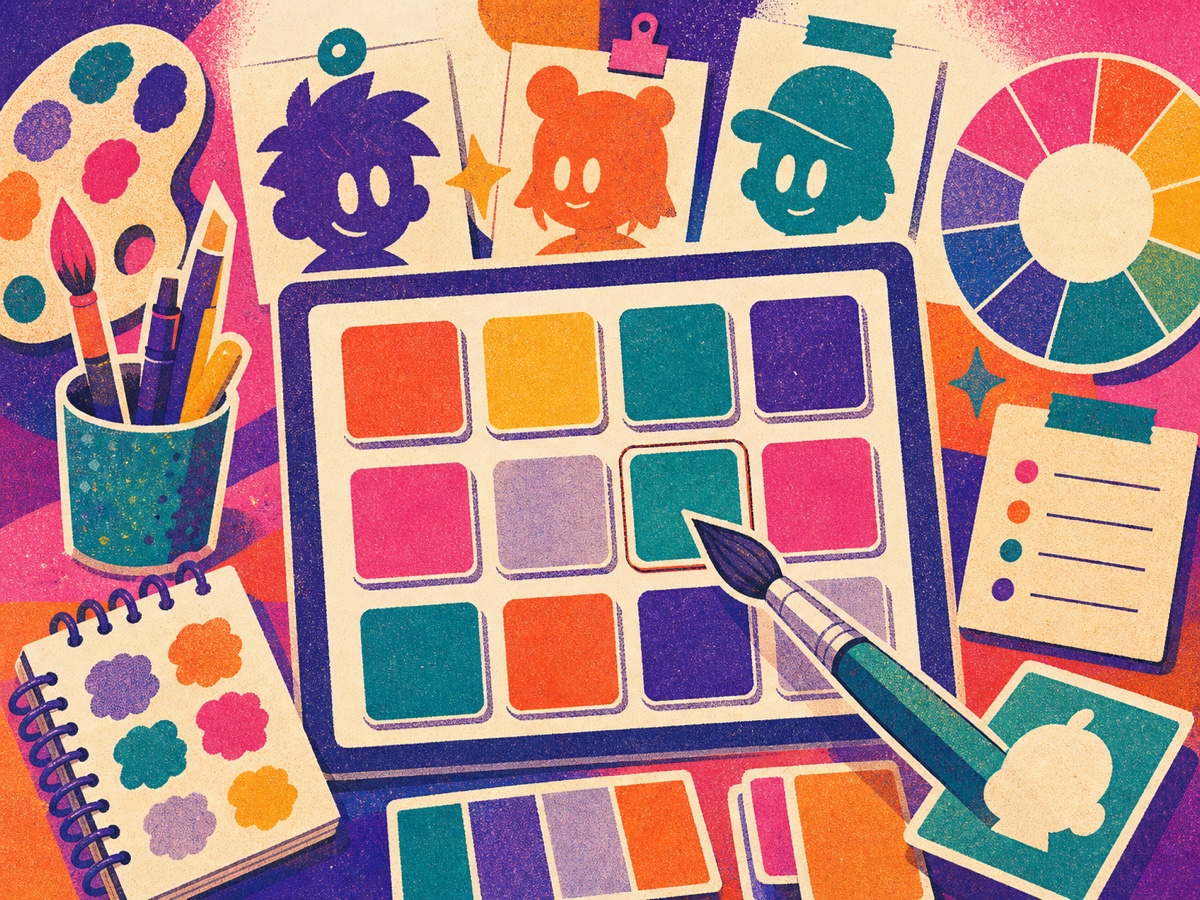
Toon Tone Game is a free no-download color guessing game on Bitesize Arcade. Players memorize a cartoon-style shade, then recreate it with hue, saturation, and brightness controls. Searches like ToonTone or Tonetoon usually point to the same idea: a fast browser color challenge for short practice rounds.
How to Play Toon Tone
- Press Play Toon Tone to start the daily challenge.
- Study the cartoon character and focus on the color that matters most.
- Wait for the target color to be hidden.
- Move the hue slider until the color family feels right.
- Use saturation and brightness to match intensity and lightness.
- Lock your color and compare your guess with the actual toon tone.
Controls
Toon Tone Control Reference
| Control | What it changes | Best first move | Common mistake |
|---|---|---|---|
| Hue | The core color family, such as red, yellow, green, blue, or purple | Set hue before touching the other sliders | Trying to fix the wrong hue with brightness |
| Saturation | How vivid or muted the toon shade feels | Lower it for softer colors and raise it for stronger colors | Making every color too neon |
| Brightness | How light or dark the final answer appears | Use it last after hue and saturation feel close | Changing brightness before choosing the color family |
Start with Hue
Hue decides the basic color family: red, yellow, green, blue, purple, and the shades between them. A good hue guess usually matters more than tiny saturation changes, so set it first.
Then Tune Saturation
Saturation controls how vivid the color feels. If your guess looks too gray, raise saturation. If it looks too loud or neon, lower saturation before changing brightness.
Use Brightness Last
Brightness makes the final color lighter or darker. Save it for the end because a color can look wrong simply because it is too bright, even when the hue is close.
Think in Comparisons
Try to remember whether the hidden color was warmer or cooler, softer or stronger, lighter or darker. Those comparisons are easier than memorizing a perfect value.
Daily Challenge Strategy
Toon Tone uses short daily rounds, so one clean routine helps. Look at the character for the overall color mood, name the color family in your head, then remember one extra detail: pale, deep, bright, muted, warm, or cool.
After the color disappears, make a quick first guess and then refine. Spending too long can make your memory less reliable. The best ToonTone guesses often come from a confident first color family and two small adjustments.
Common Mistakes
The easiest mistake is adjusting every slider at once. If the color family is wrong, saturation and brightness will not save the guess. Set hue first, then decide whether the shade was muted or vivid, and only use brightness after the color family feels close.
Another mistake is remembering only the color name. "Blue" is too broad for Toon Tone. Try to remember a comparison instead: sky blue, teal blue, deep blue, pale blue, warm purple, or cool purple. Those labels make the final slider changes faster.
More Practice
Improve Your ToonTone Score
How to Get Better at Toon Tone
Build a repeatable routine for closer color guesses.
Hue, Saturation, Brightness
Understand the sliders before your next daily challenge.
Best Color Guessing Games Online
See where Toon Tone fits among browser color games.
Free Browser Games Like Toon Tone
Find similar quick browser games for ToonTone and Tonetoon searches.
Daily Color Memory Challenge
Practice the same memory pattern with another short color challenge page.
FAQ
Toon Tone Game Guide FAQ
What is Toon Tone Game?
Toon Tone Game is a free browser color guessing game where you memorize a cartoon shade and recreate it with hue, saturation, and brightness sliders.
Is Tonetoon the same as Toon Tone?
Some visitors search Tonetoon or ToonTone when looking for Toon Tone-style color guessing. This guide uses those spellings to help players find the correct Bitesize Arcade page.
What are the best Toon Tone tips?
Set hue first, adjust saturation second, and save brightness for the final correction. Remember comparisons like warm, cool, muted, bright, pale, or deep.
What similar games should I try?
Try Free Browser Games Like Toon Tone, Best Color Guessing Games Online, Daily Color Memory Challenge, or the Best Browser Games hub.